
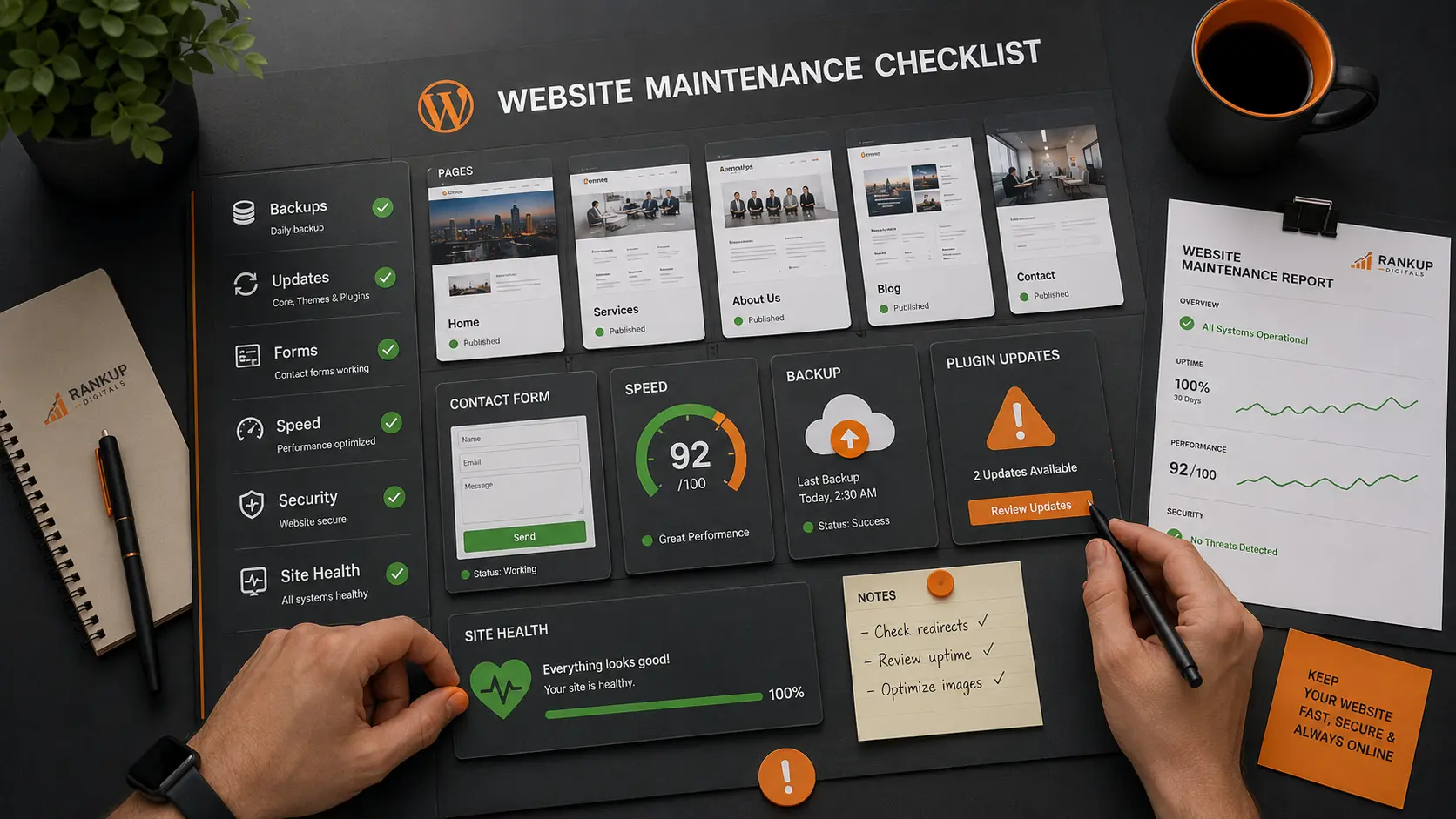
A business owner once told us, “The website is working fine. We just need more leads.”
The site looked fine too.
Homepage opened. Service pages were live. Nothing looked broken from the outside. But the contact form wasn’t sending every enquiry. A plugin update had changed one small setting, and nobody noticed because the thank-you message still appeared after submission.
That’s the kind of WordPress problem that hurts quietly.
Most business owners notice WordPress maintenance late. The site was fine yesterday. Then a form stops sending leads. A plugin update breaks part of the layout. A page gets slow on mobile. Or the website opens, but something feels off and nobody knows when it started.
That’s when WordPress maintenance services become practical. Not fancy. Not extra. Practical.
For a business website, maintenance means keeping the site working before small problems turn into missed enquiries, lost trust, or emergency developer work.
A business website has to stay reliable
A blog can have a small issue for a few days and still survive.
A business website doesn’t get that luxury.
If the contact form fails, leads are lost. If the service page loads slowly, visitors leave. If the site breaks after an update, the business looks careless even if the team behind it is good.
That’s why maintenance can’t only mean “update plugins.”
Updates matter, yes. But the real job is checking whether the website still works after those updates. Homepage. Service pages. Contact page. Lead forms. Tracking. Mobile layout.
Those pages pay the bills.
Small website problems usually start quietly
Most WordPress problems don’t arrive like a disaster.
They build up.
Old plugins stay active. Backups run, but nobody tests them. Images get heavier. Cache settings change. A form plugin updates and one field stops working. A page still opens, so everyone assumes it’s fine.
I’ve seen business owners blame ads, SEO, or slow sales when the real issue was much simpler. The website was leaking leads.
That’s the point of maintenance. Catch the boring problems early, before they become expensive problems.
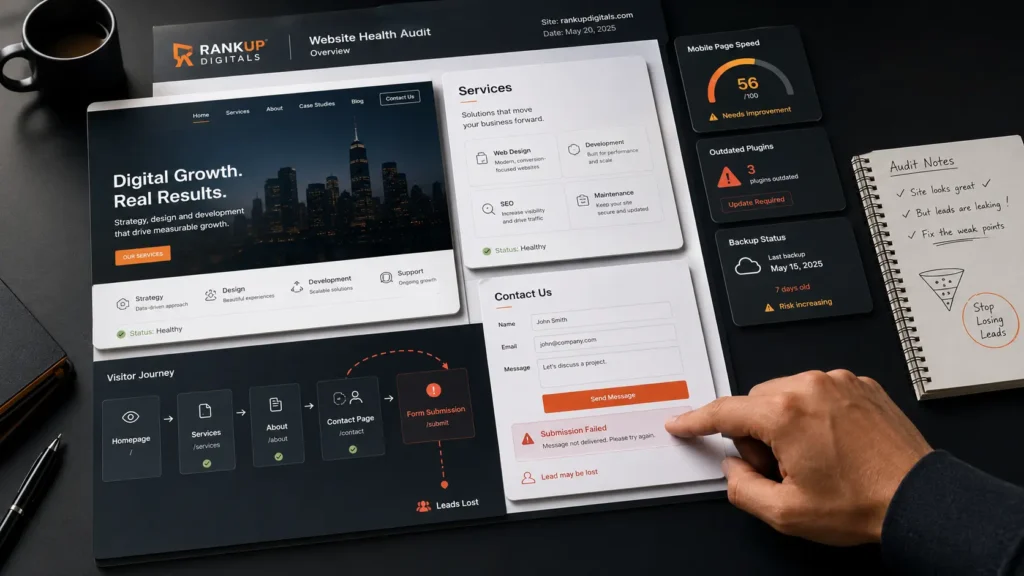
What I’d check every month
Monthly maintenance shouldn’t feel like a thick report nobody opens.
For a business site, I care about the parts that can quietly cost leads. Forms. Backups. Speed. Updates. Security. Key pages.
That’s the first pass.
| Area | Quick check | Why it matters |
| Backups | Files, database, restore option | If the site breaks, you need a real way back |
| Updates | WordPress, theme, plugins | Updates help, but careless updates can break layouts |
| Forms | Contact, quote, booking, checkout | A working page means nothing if leads don’t arrive |
| Speed | Images, cache, scripts, mobile pages | Slow pages make visitors give up |
| Security | Logins, users, trusted plugins | Small weak points become bigger problems later |
| SEO basics | Broken links, redirects, indexable pages | Maintenance should protect pages that already perform |
The backup part is not optional. WordPress explains that a full backup needs both the site files and the database. I’d rather know that before a problem than find out during an emergency. WordPress backup documentation
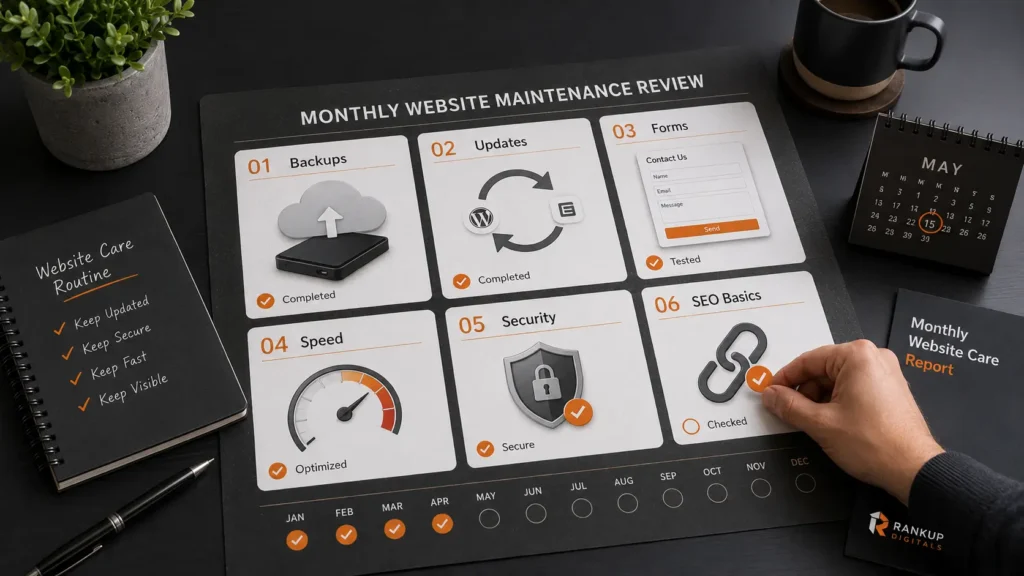
Updates need a little patience
The update button is easy.
The check after the update is the part people skip.
WordPress has its own guide for updating the platform, and that’s useful. But on a business website, I still want a simple before-and-after check. WordPress update documentation
Open the homepage. Test the contact form. Check the main service pages. Look at the mobile version. Check the menu. If the site sells products or takes bookings, test that path too.
That’s not overthinking.
That’s maintenance.
If you’re paying for WordPress development work, this is the kind of care that should sit around updates. Not just “plugins updated” in a monthly note.
Speed problems also need maintenance
A site can slow down without a redesign.
A few large images. One extra plugin. A tracking script added for ads. A page builder section that looked fine at first. Then the site starts feeling heavy, especially on mobile.
Most visitors won’t report that.
They’ll just leave.
Google’s Core Web Vitals documentation is useful because it focuses on loading, interactivity, and visual stability. But I wouldn’t chase scores before checking the obvious stuff. Google Core Web Vitals documentation
Start with image size. Then caching. Then scripts. Then plugin weight.
For a deeper speed pass, our guide on how to speed up a WordPress site fits naturally after this maintenance check.
When maintenance is worth paying for
A small personal site can survive light maintenance.
A business website is different.
If people contact you through the site, book appointments, request quotes, buy products, or judge your company from the pages they see, then maintenance is not something to leave for “when there’s time.”
You don’t need someone changing the site every week for no reason. You need someone checking the parts that affect trust and leads.
Backups. Forms. Updates. Speed. Security. Main pages.
That’s the work.
What a good maintenance service should give you
A useful maintenance service should not hide behind technical words.
You should know what was updated, what was tested, what looked risky, and what needs attention next. If there was a form issue, say it clearly. If a plugin is outdated, explain the risk. If speed is getting worse, show where it’s coming from.
Simple reporting is better than a long report nobody understands.
For cache-related problems, our guide on the best WordPress cache plugin can help you understand what caching can fix and what it can’t.
Maintenance doesn’t make a weak website perfect.
But it keeps a working business website from slowly turning into a problem.
FAQs
How often should a business website be maintained?
Most business websites should be checked at least monthly. Sites with online bookings, ecommerce, heavy plugins, or frequent content changes may need checks more often.
What is included in WordPress maintenance services?
Common work includes backups, updates, form testing, speed checks, security checks, broken link checks, and basic site health review.
Can I maintain my WordPress site myself?
Yes, if the site is simple and you’re comfortable with backups, updates, and testing. If the site brings leads or sales, professional maintenance is usually safer.
Is WordPress maintenance worth it for a small business?
It can be worth it if your website helps bring enquiries, bookings, or sales. The cost of one broken form or failed update can be higher than regular maintenance.
